> ## Documentation Index
> Fetch the complete documentation index at: https://docs.cdp.coinbase.com/llms.txt
> Use this file to discover all available pages before exploring further.
# Staking TIA with Leap Wallet
## Step 1. Create and Fund
1. Download the [Leap Wallet](https://chrome.google.com/webstore/detail/leap-cosmos-wallet/fcfcfllfndlomdhbehjjcoimbgofdncg) extension and navigate to the extension on your browser.
 2. Click **Create new wallet** or **Import an existing wallet**.
3. Securely store your recovery phrase and create a password.
4. Fund the newly created address with TIA.
## Step 2. Connect to Celestia network
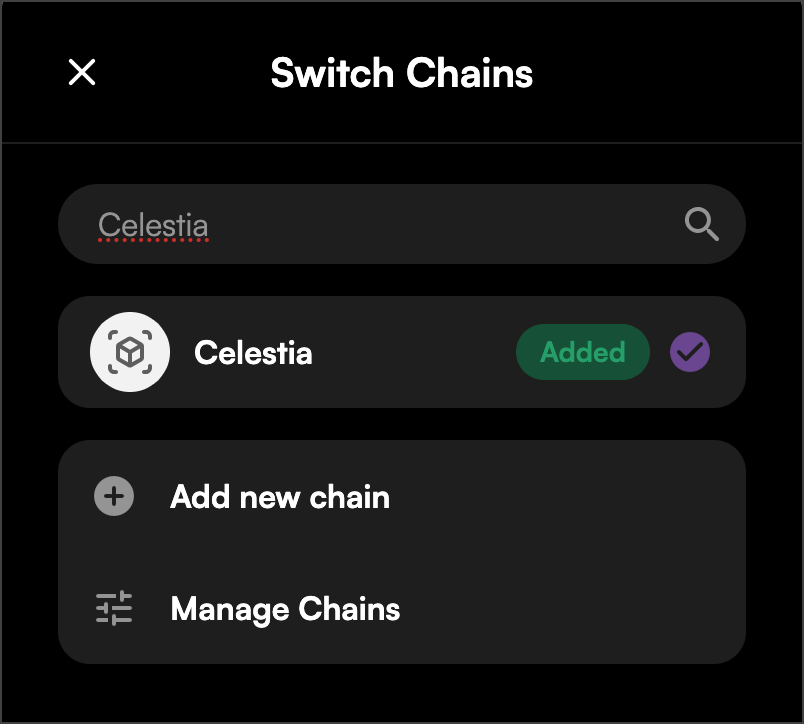
1. Connect to Celestia by clicking on the chain dropdown in the top right corner.
2. Click **Create new wallet** or **Import an existing wallet**.
3. Securely store your recovery phrase and create a password.
4. Fund the newly created address with TIA.
## Step 2. Connect to Celestia network
1. Connect to Celestia by clicking on the chain dropdown in the top right corner.
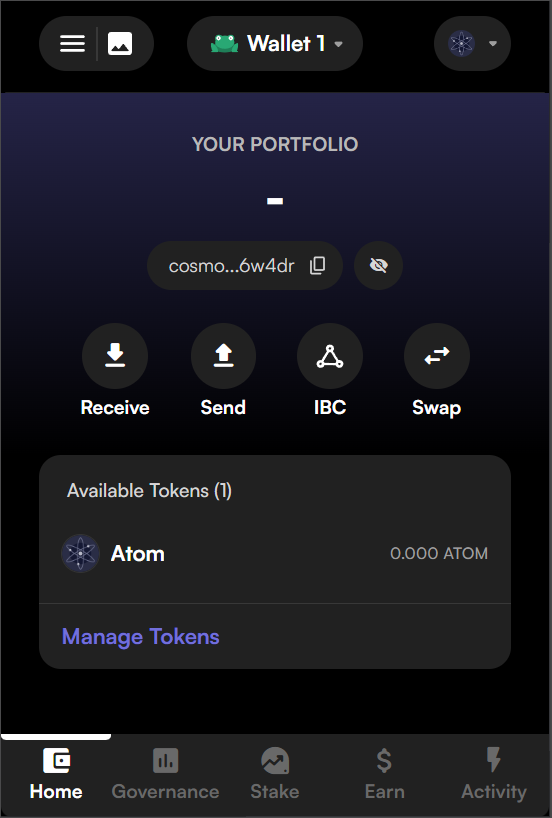 2. Search for and click on Celestia.
 ## Step 3. Delegate to Coinbase Validator
1. Click on **Stake** tab on the bottom of the extension.
## Step 3. Delegate to Coinbase Validator
1. Click on **Stake** tab on the bottom of the extension.
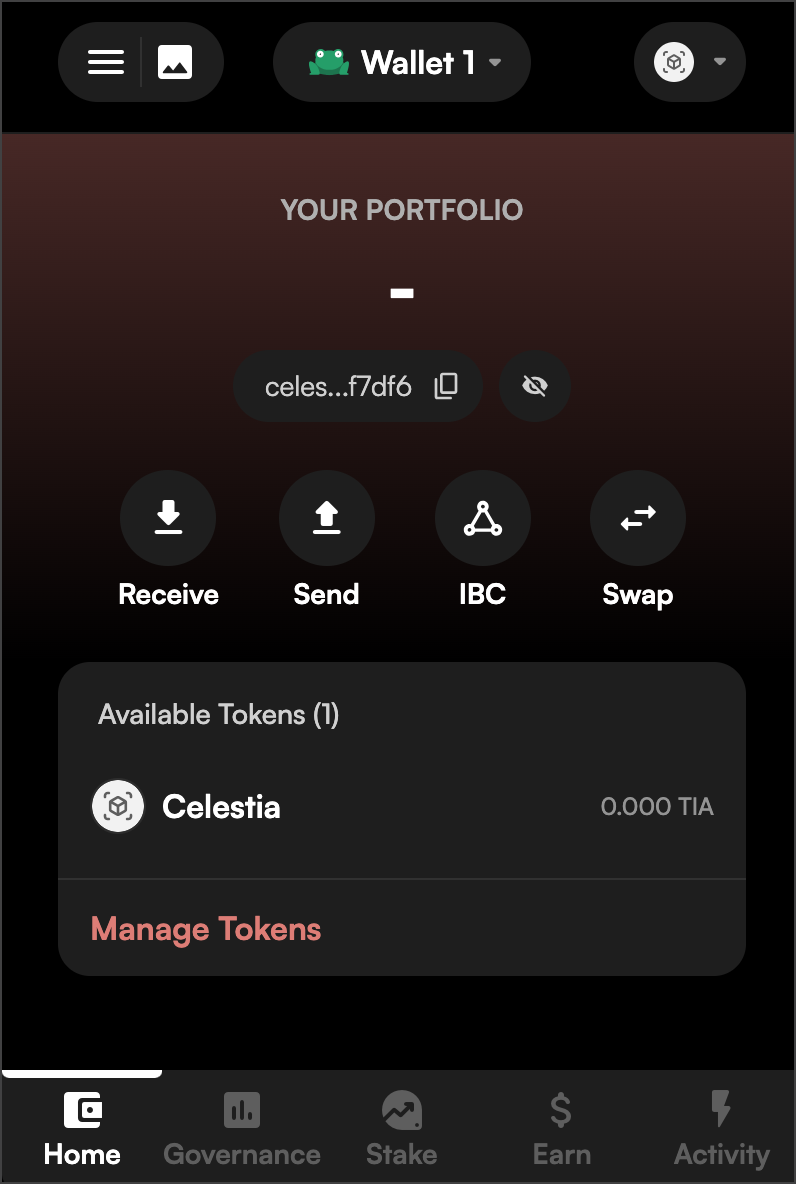 2. Then click the **Stake** button.
3. Search for the Coinbase validator and click on it.
2. Then click the **Stake** button.
3. Search for the Coinbase validator and click on it.
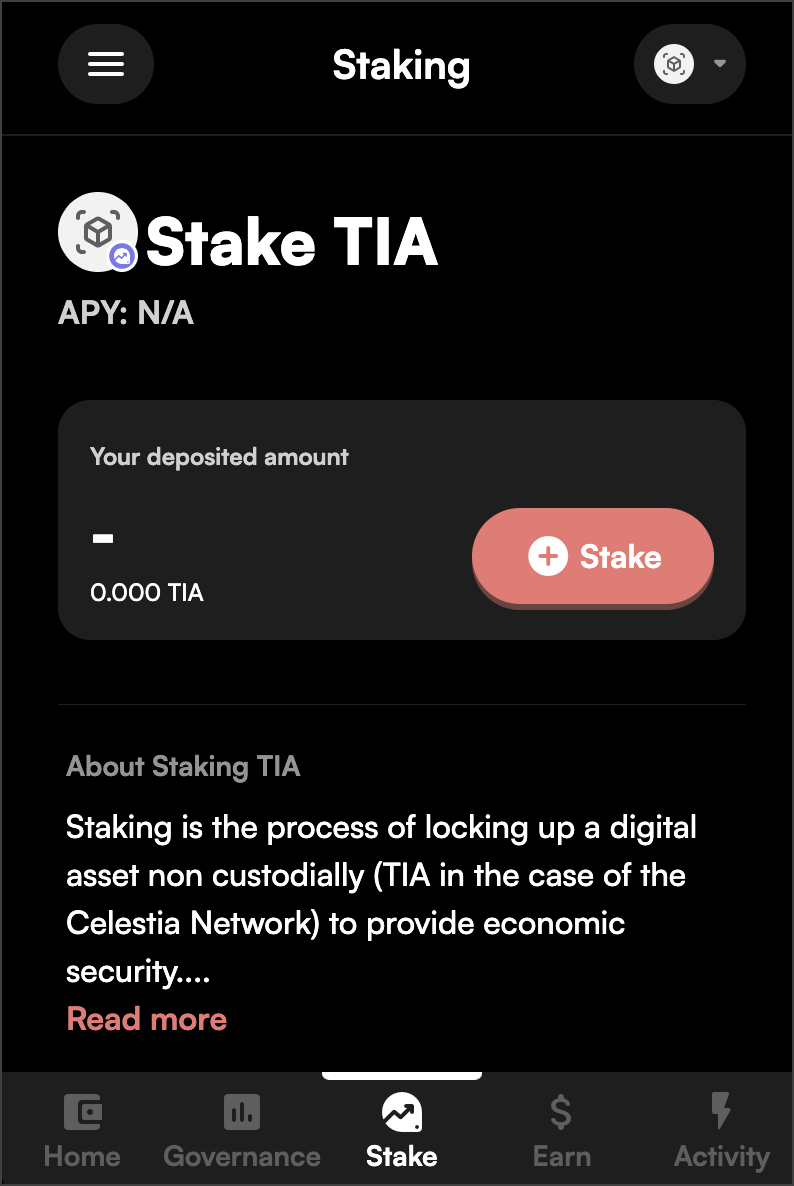 You can search by entering in the Validator Address `celestiavaloper1geuw5f6u3n5l4ne2d2nze3fehxf023f7s8h08t` or by searching `Coinbase`.
4. Enter in your desired amount of TIA to stake, click **Review**.
You can search by entering in the Validator Address `celestiavaloper1geuw5f6u3n5l4ne2d2nze3fehxf023f7s8h08t` or by searching `Coinbase`.
4. Enter in your desired amount of TIA to stake, click **Review**.
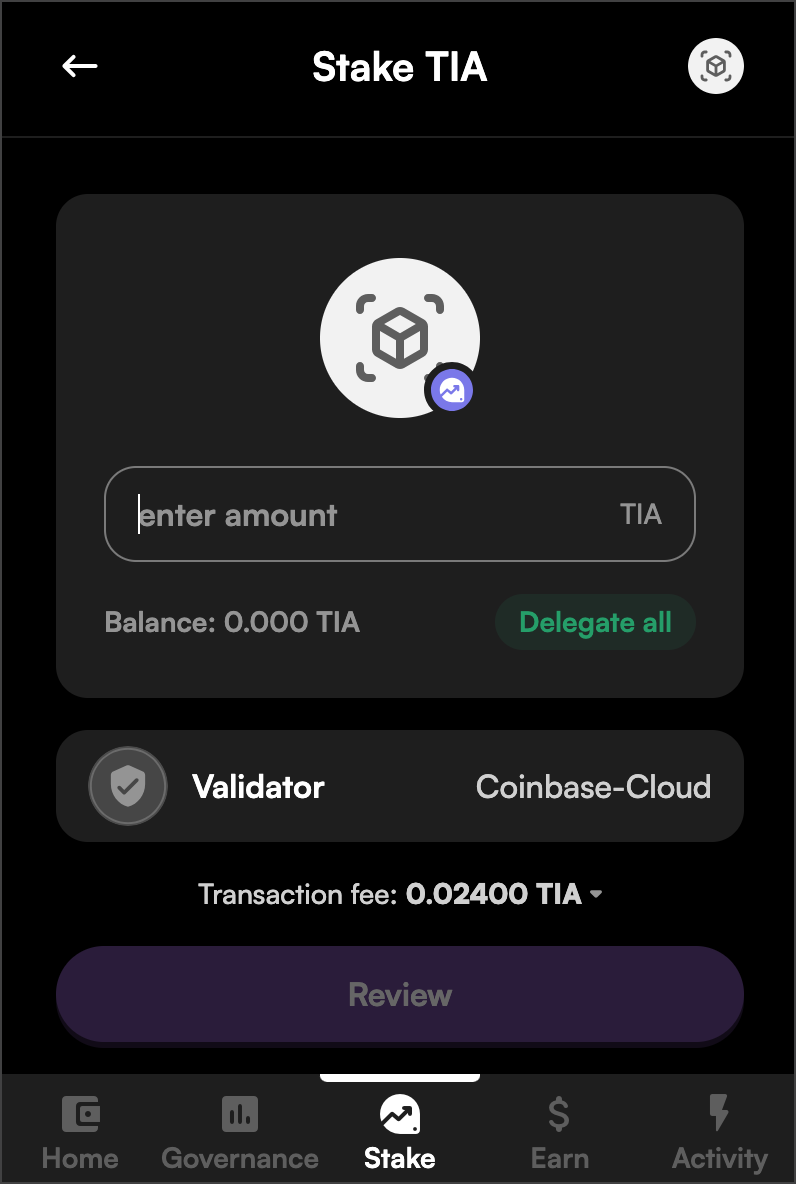 5. If all looks correct, complete and confirm the transaction. Once completed your funds will be delegated.
Please note that the APY may vary from the provided screenshots.
**Congratulations! You are now staked to a Coinbase validator.**
5. If all looks correct, complete and confirm the transaction. Once completed your funds will be delegated.
Please note that the APY may vary from the provided screenshots.
**Congratulations! You are now staked to a Coinbase validator.**